
Travel Report
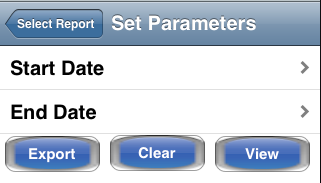
The travel report provides a summary list of the journeys you have entered into Simple BK. The report can be filtered by date range only.
Once you have set your report parameters, tap on Done to display the report.
You can then tap on individual travel records to see the full details and to edit the record if required.
The report can also be used to delete one or more items.
to display the report.
You can then tap on individual travel records to see the full details and to edit the record if required.
The report can also be used to delete one or more items.
The Export button
allows you to export the displayed records to file.
button
allows you to export the displayed records to file.
Use the Select button to select and delete multiple records.